The operating system for creative studios.
Engineer reads your website, documents and studio every day, finds where time and money leak away, and drafts the fix.
You confirm every move.


Two sides. One for the studio, one for you.
The Studio side runs on facts: scores, tasks, documents, goals. The You side is for how you are doing as the founder carrying it. Engineer opens with one observation and asks one question at a time. Type, speak or tap how it feels.
A sparring partner that knows your whole studio.
Engineer runs on Claude, by Anthropic. Before every answer it reads your intake, Brand Book, goals, tasks, official documents, notes and every earlier conversation. So you never explain your studio twice.
Most studios lose hours in places nobody measures.
A website that undersells the work. Briefs that drift. Decisions that wait on the founder. The scan reads your studio and marks where it happens.
Within minutes, a first score on six themes: what works and where work, time or money leaks. You check the facts; your correction counts from then on.
Each leak becomes a task with its fix and the time it takes. Today opens with at most three moves, the urgent ones first.
You set the North Star and this year's goals. Engineer writes two or three routes to each goal, with what it costs, gives and risks. You choose one.
Everything you fill in works twice.
Score, scan, documents, tools and the moves of the day all speak the same six themes: Brand & Reputation, Strategy & Innovation, Customer Experience, Workflow & Performance, Culture & Communications, Pressure & Decisions. What you add in one place counts in the others.
A theme counts once the scan can judge it or you answer its five questions. A theme without a signal never counts as zero.
Every fix shows what it adds before you start it, so the work with the most effect comes first.
From news to newsroom, without an agency.
Engineer checks whether your story is news, interviews you like a journalist, writes the release with you and opens every pitch personally. Results show only what really happened. Or hand it to DWI and Bastiaan sends it through his own media network.
Focused tools for the moments a studio gets tested.
Brand & Reputation
- Brand BookPositioning, voice and key messages in one living book.
- Press RoomReleases, media kit and the right journalists.
- Competitor AnalysisWhere you differ and where you are interchangeable.
Strategy & Innovation
- AI Lean CanvasThe business on one page, drafted from your intake.
- Pressure TestTest a new service before you spend a month on it.
- ResultsFour figures a month: does a better score bring clients?
- AcademyCourses applied to your studio by Engineer.
Workflow & Performance
- Studio AuditEvery part of the studio checked, line by line.
- Week PlannerYour calendar, filled with the work that matters.
- QuotesQuotes in your own template, the sums done.
- Document ReviewCritical comments before a document leaves the studio.
Pressure & Decisions
- Decision Fit CheckTake an enquiry or not, in seconds, with the reply written.
Customer Experience
- Journey BlueprintHow a client moves through the studio, and where it leaks.
- RelationsContacts and pitches in your voice, sent from your address, tracked.
- EventsThe design, fashion, architecture and art calendar that counts.
Culture & Communications
- Studio TeamRoles, ambitions and who works on what.
- OnboardingA board and checklist for every new colleague.
- RecruitmentFive phases from need to first results.
- Performance ReviewsConversations in a steady rhythm, prepared by Engineer.
Engineer reads, proposes and drafts. You decide.
You choose the moves, adjust the drafts and confirm. Every decision stays yours.
We design furniture that stays in use for decades, for brands that build to last.
The documents your studio runs on, in one place. Engineer reads them, so its advice sounds like you.
We design furniture that stays in use for decades, for brands that build to last.
OfficialFounded in 2016. Eight people. Furniture, interiors and systems for retail.
OfficialScope, phases and fees in one page, in the studio's own words.
DraftA new seating system for public space, launched in Milan.
DraftOur mission is to bring every creative studio to its full potential.
I set this goal at eighteen. Studios change how people see, live and decide, and they solve problems that others cannot read. When a studio loses time, money and attention to friction, the world loses part of that work. The Operator System gives it back to the studio.
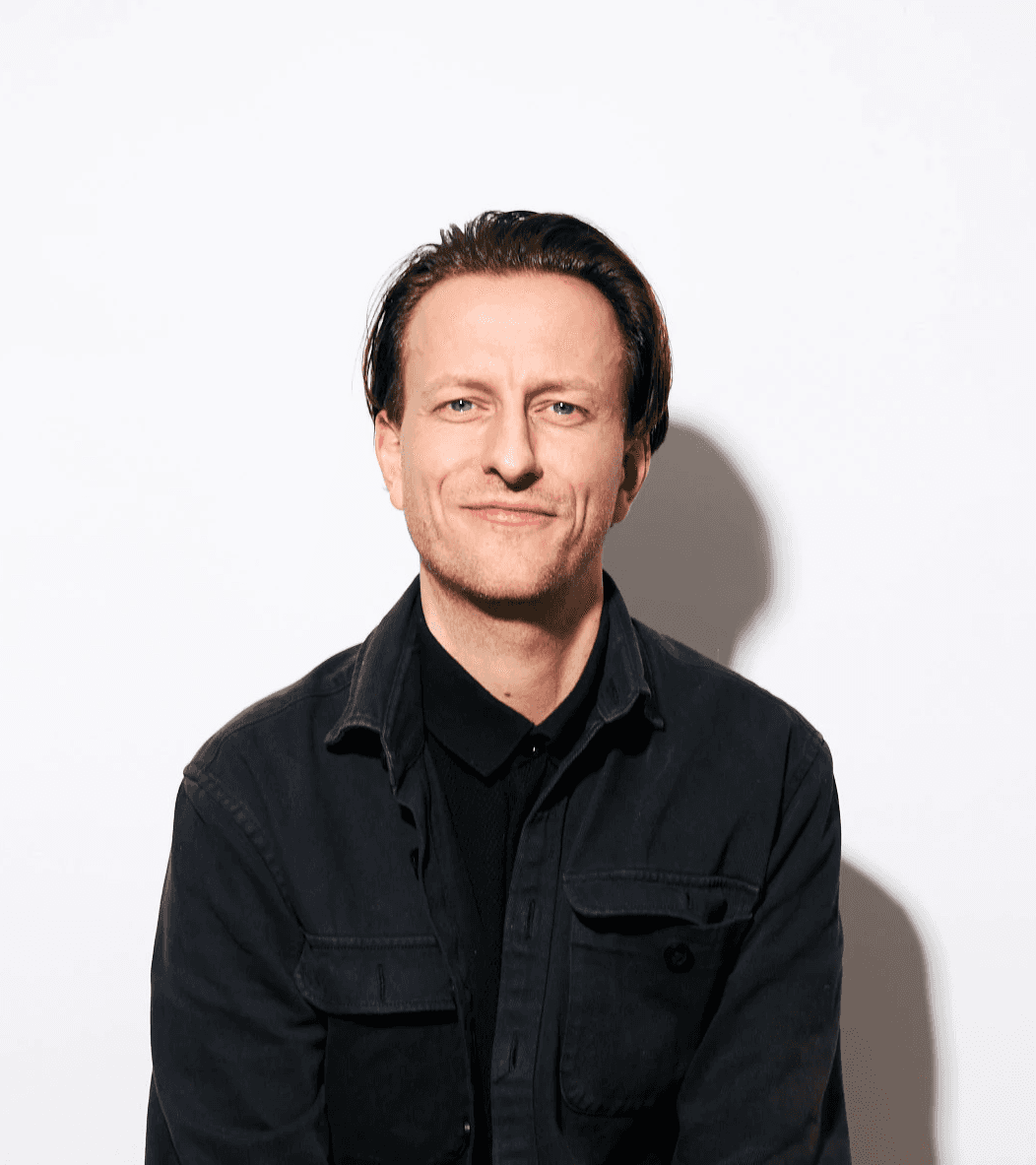
Built by Bastiaan van der Sluis.
The same method he uses inside studios as an embedded partner, turned into a system you run yourself. You talk to him, there is no sales team.
It starts with a scan.
The Operator System is part of every partnership. Bastiaan sets it up with you.
Run it yourself. The price follows the size of your studio and you hear it after the scan.